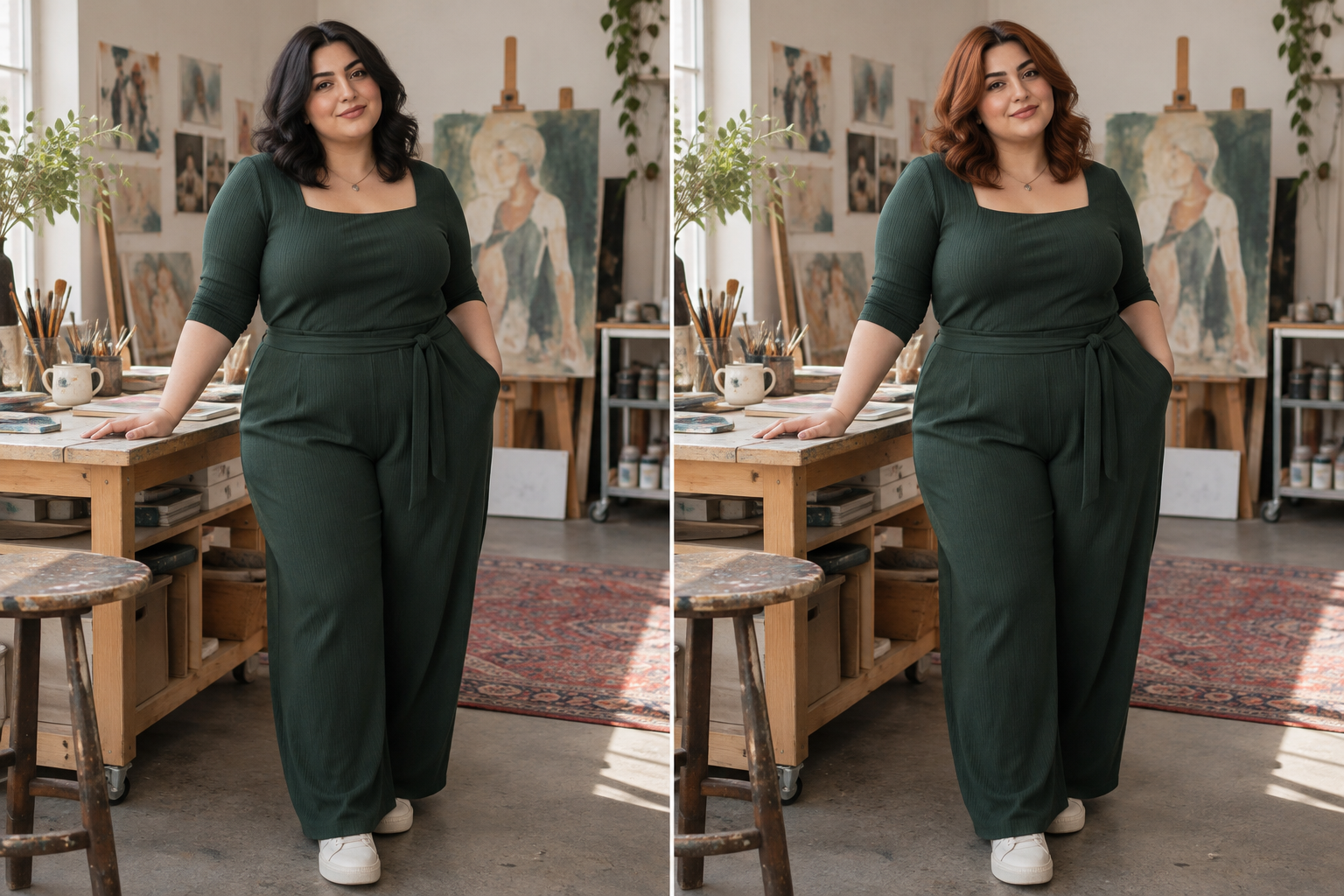
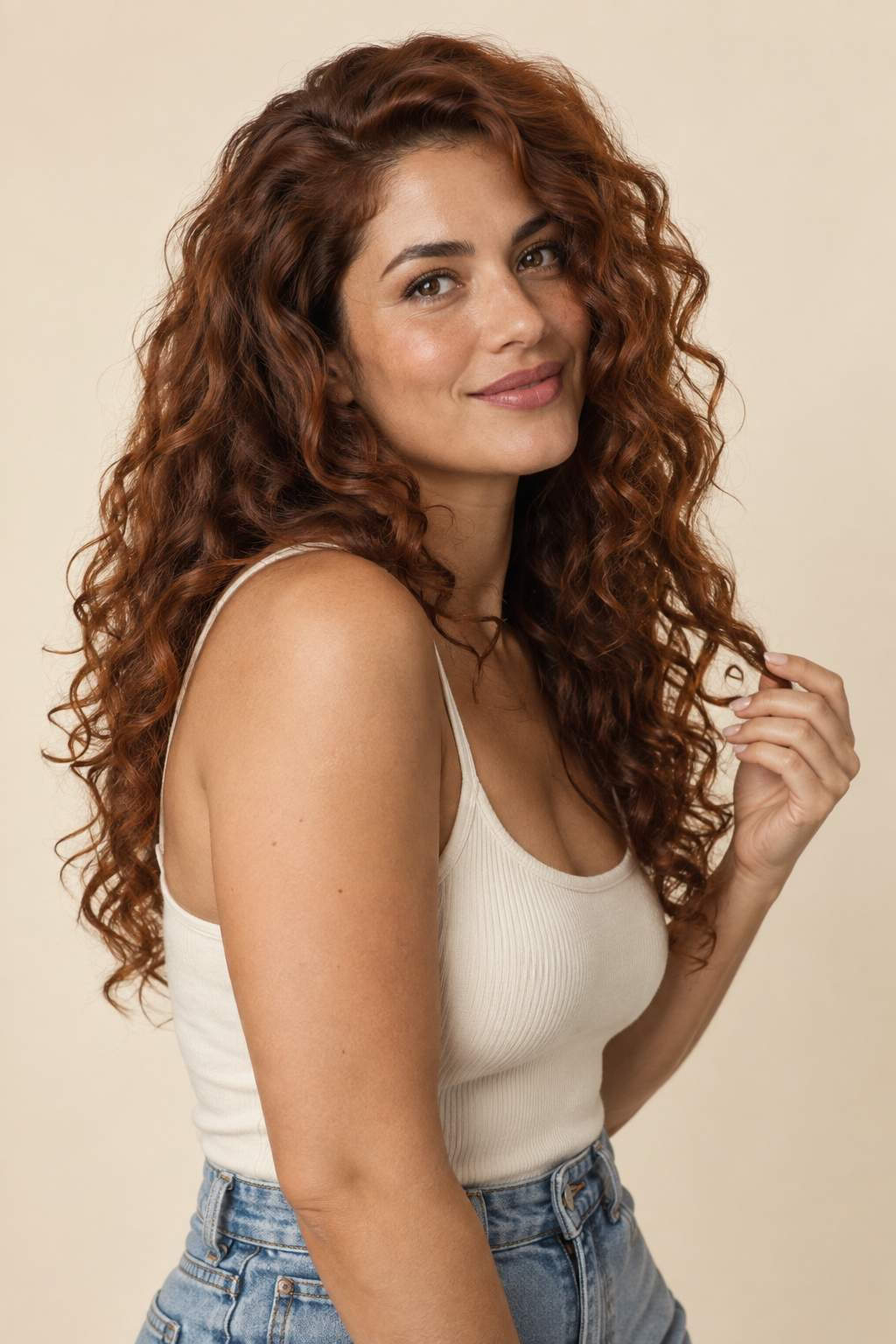
Change Hair Color Without Altering the Rest of Your Photo
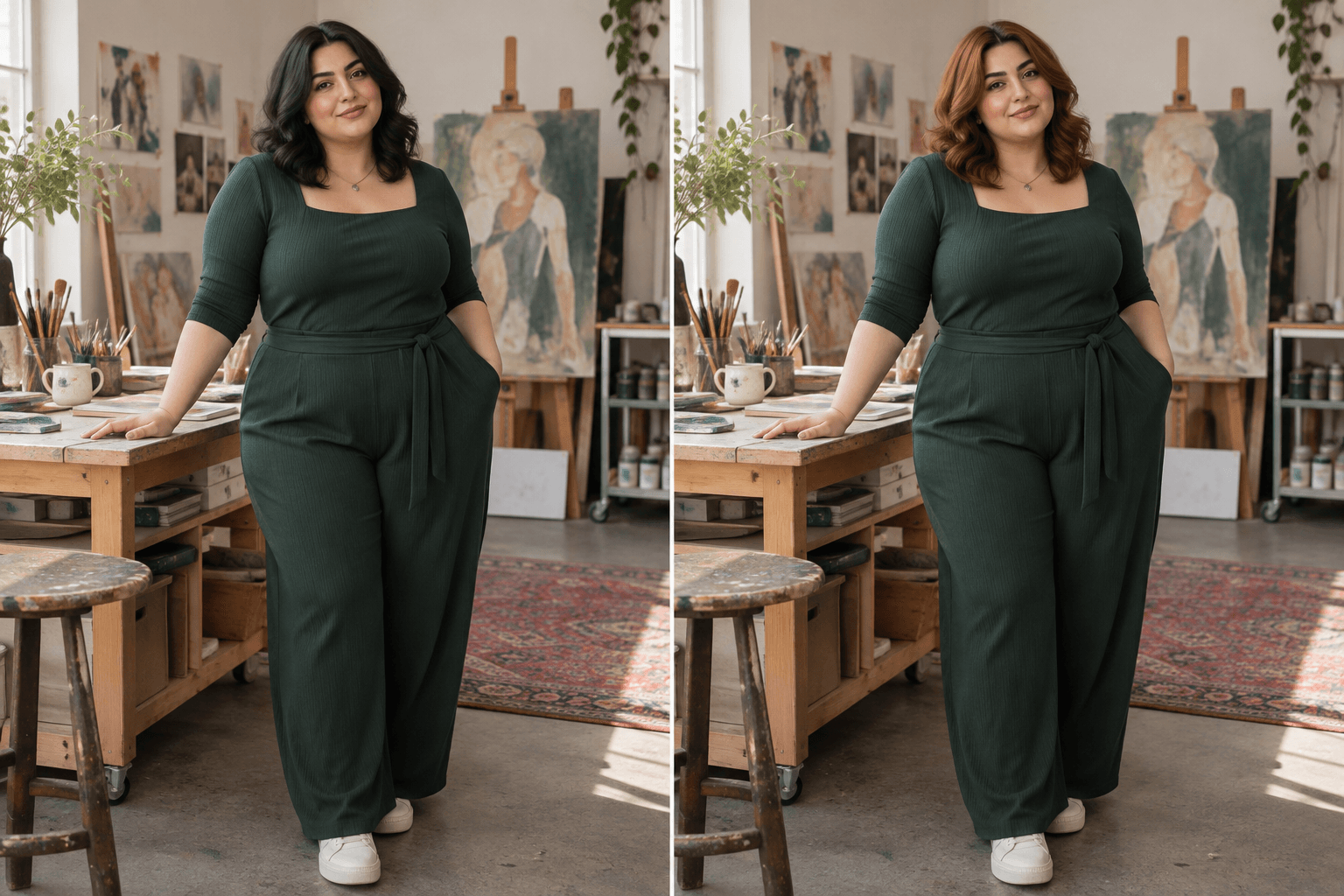
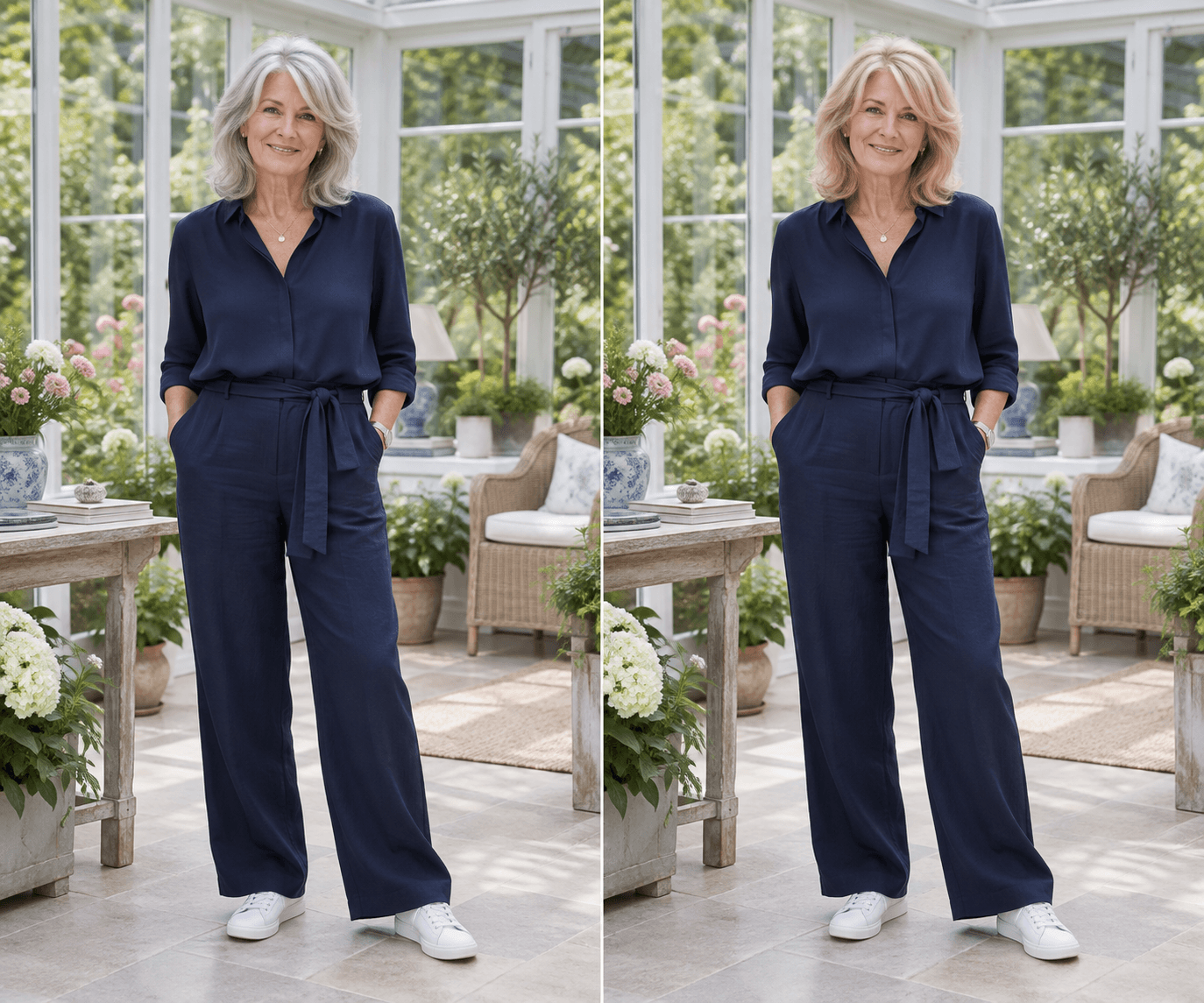
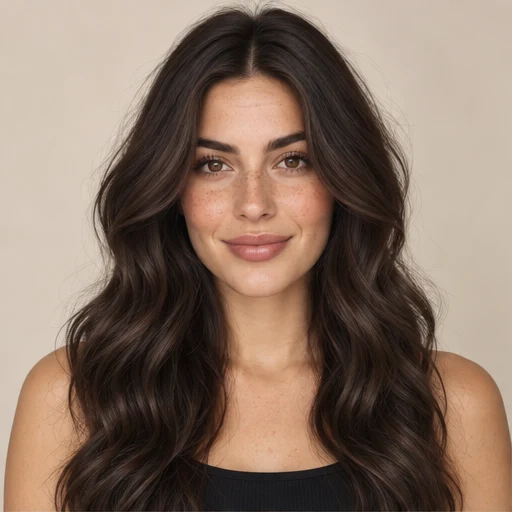
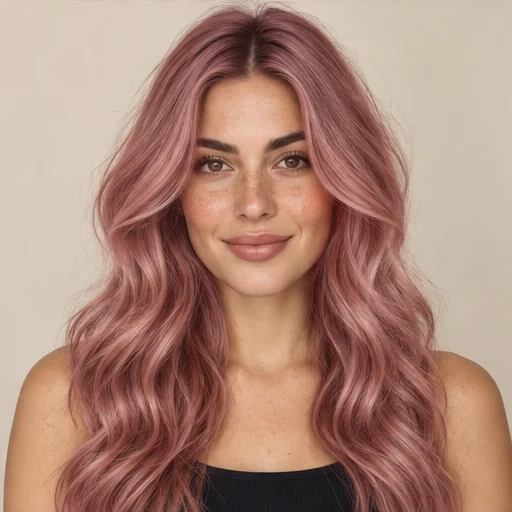
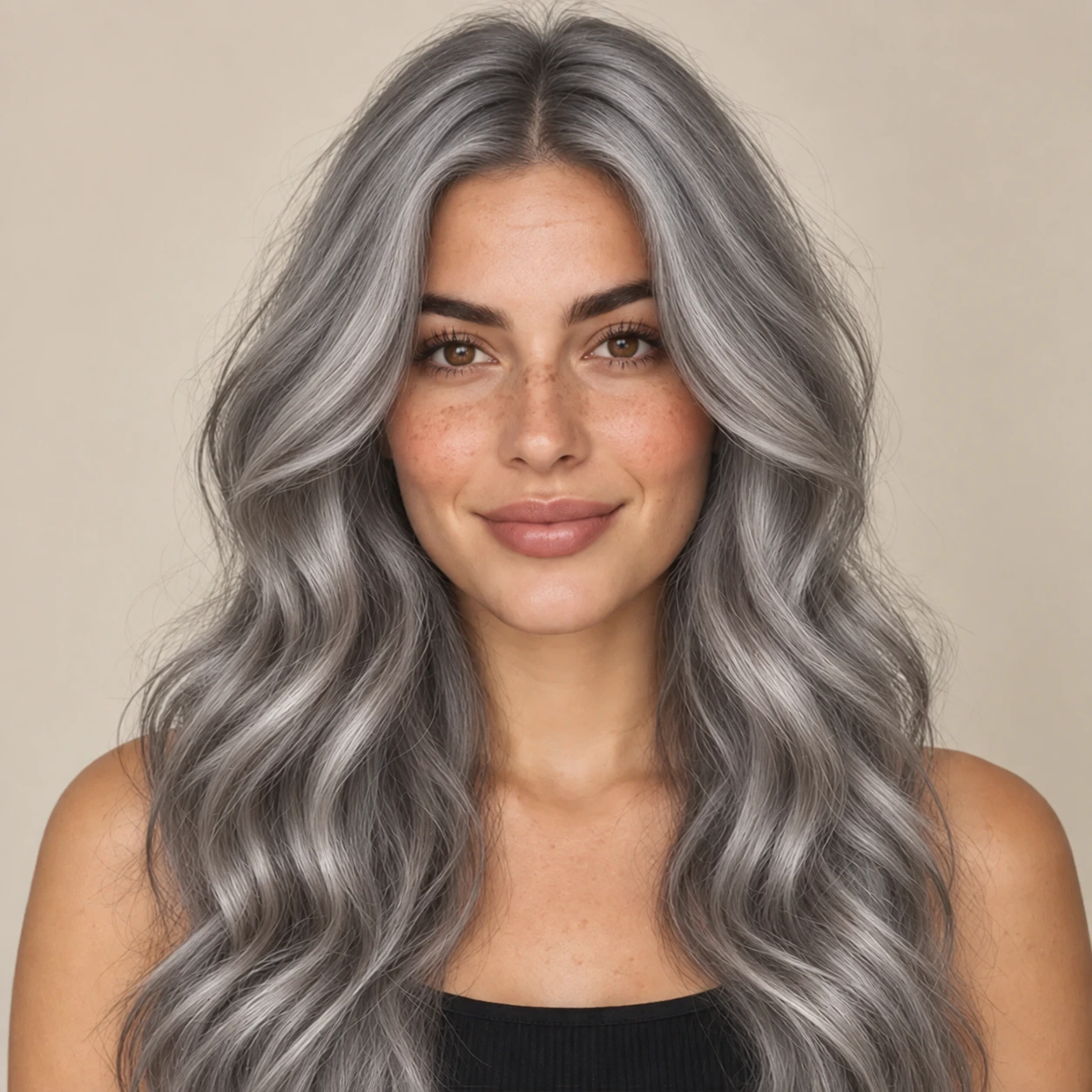
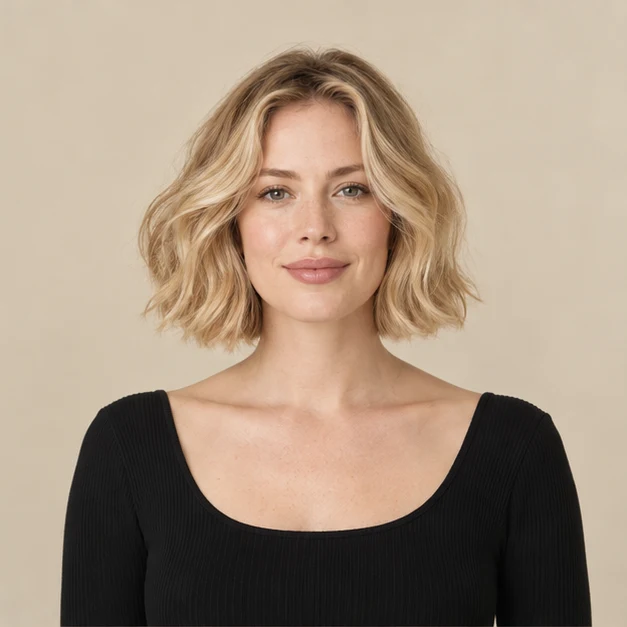
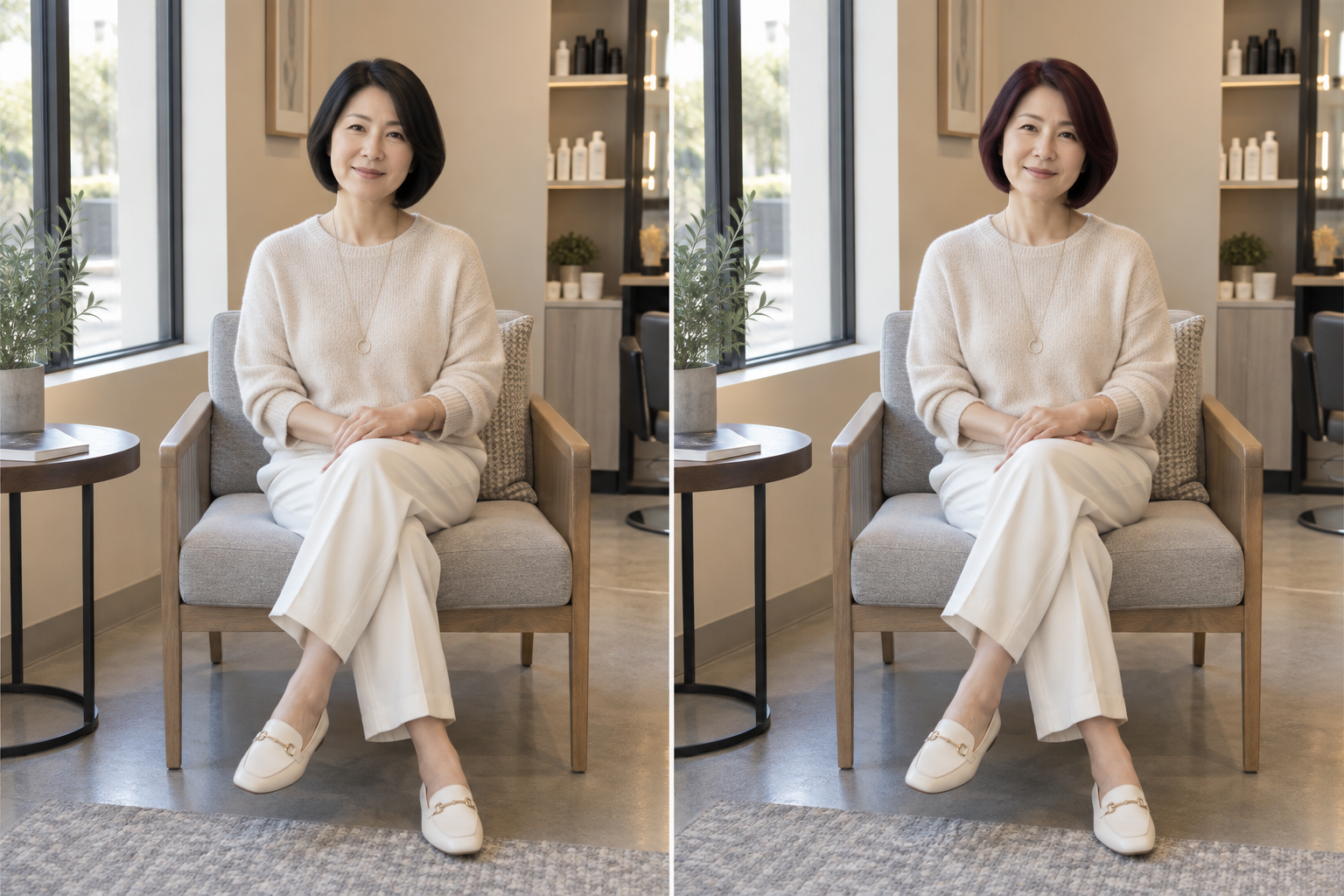
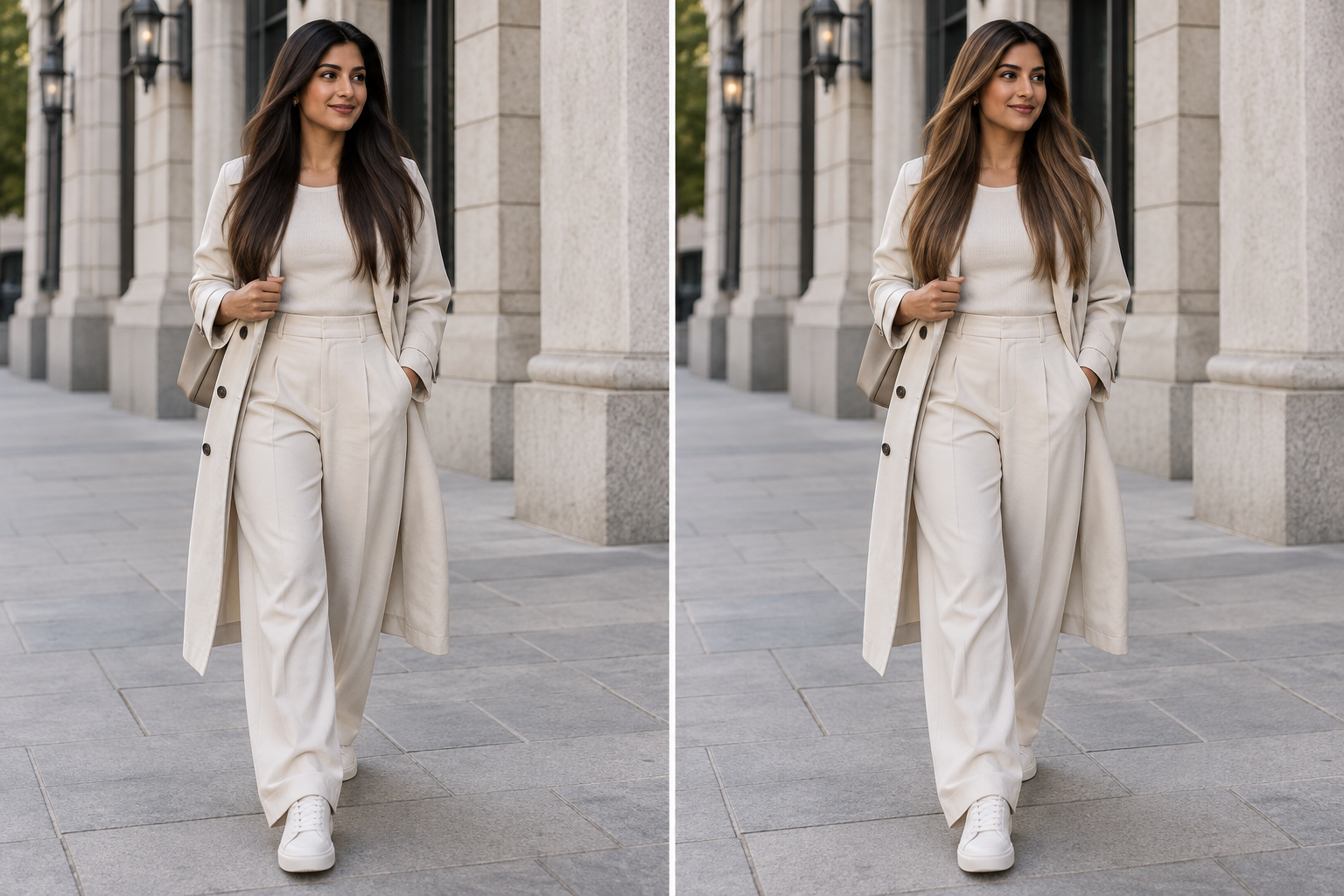
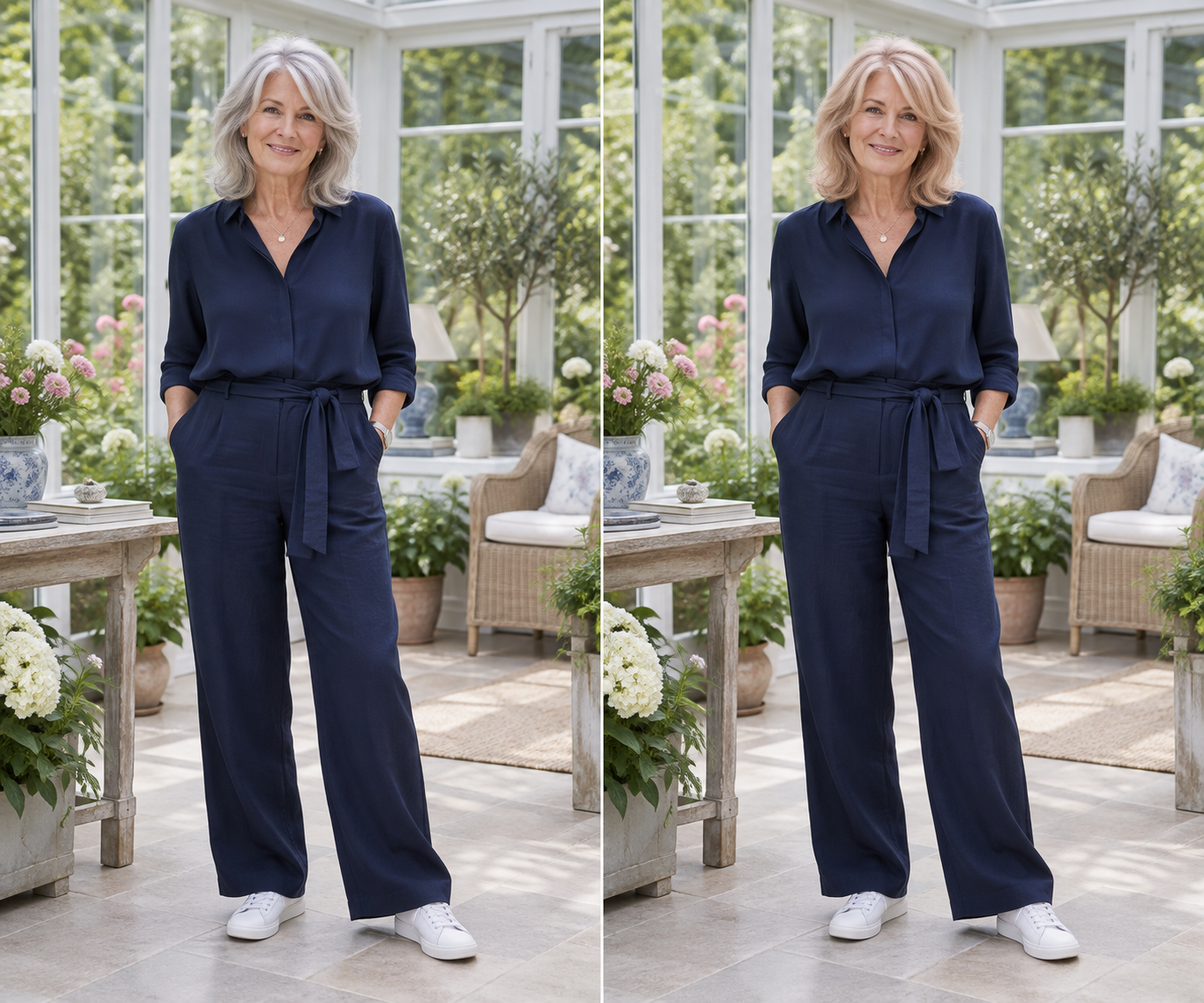
Change Hair Color in Photo is a focused photo-editing task. The goal is not to generate a new person or redesign the entire portrait. The editor works from an existing image and changes the visible hair color while preserving the face, clothing, background, pose, and general lighting.
When you use change hair color in photo AI, the system first evaluates the visible hair region. It then applies the requested color to that area while attempting to retain important visual information such as shadows, bright strands, texture, and depth.
This makes the workflow different from placing a flat color overlay on top of a picture.
If you need to change hair color in image files for an edited portrait, profile image, fashion concept, content graphic, or creative photo, the tool keeps the task limited to the hair rather than altering unrelated parts of the image.

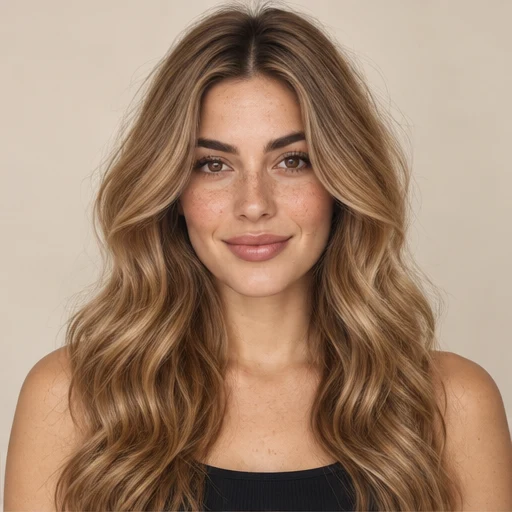
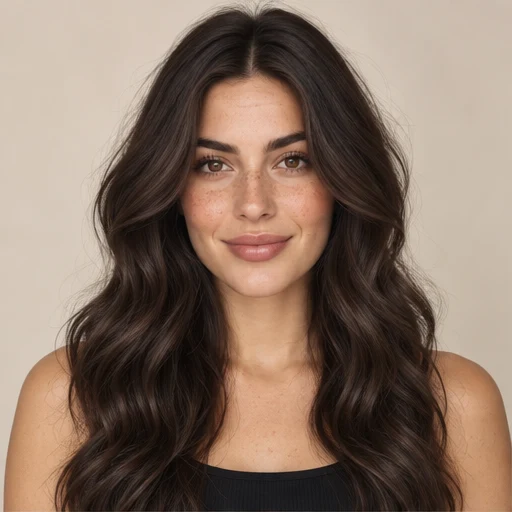
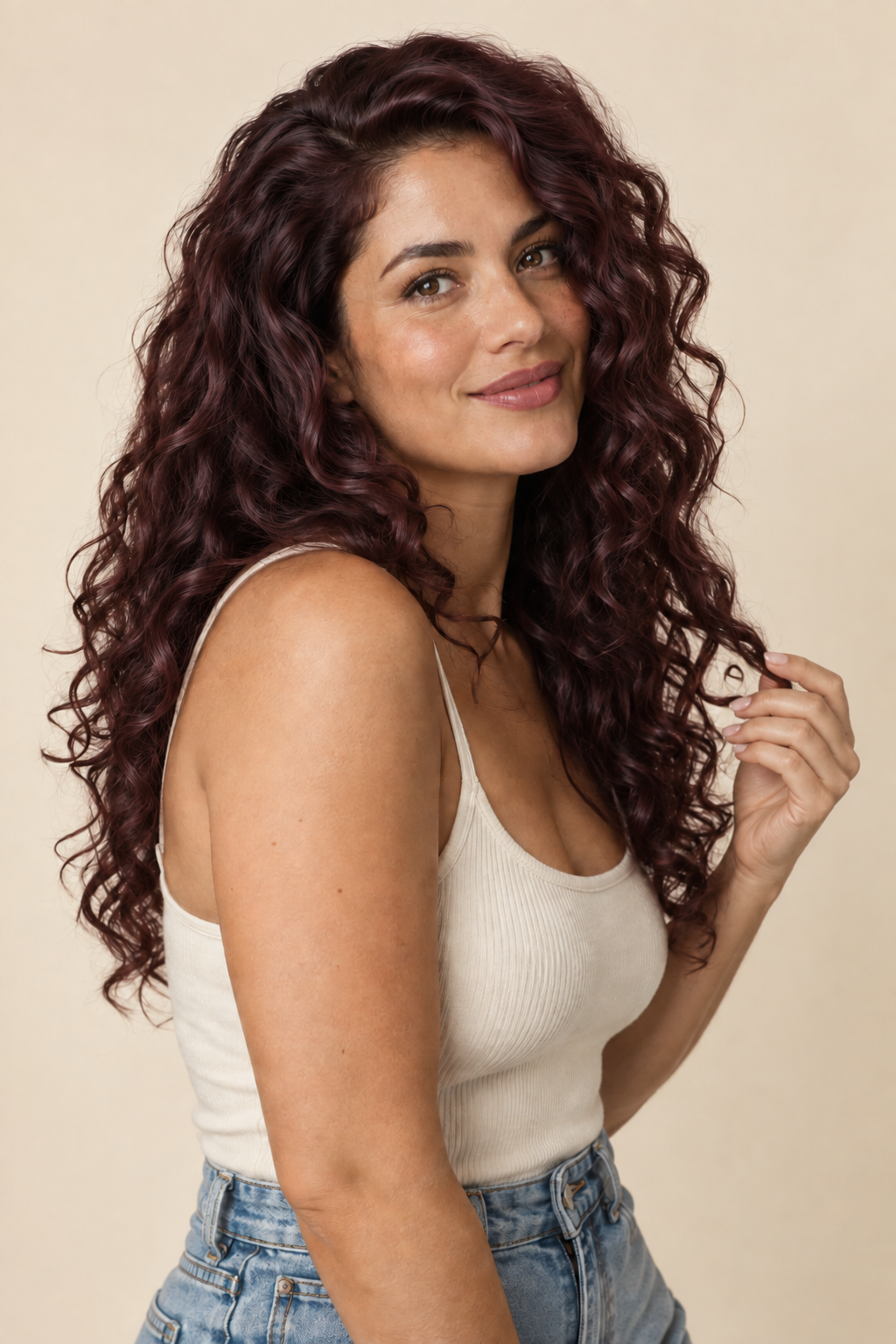
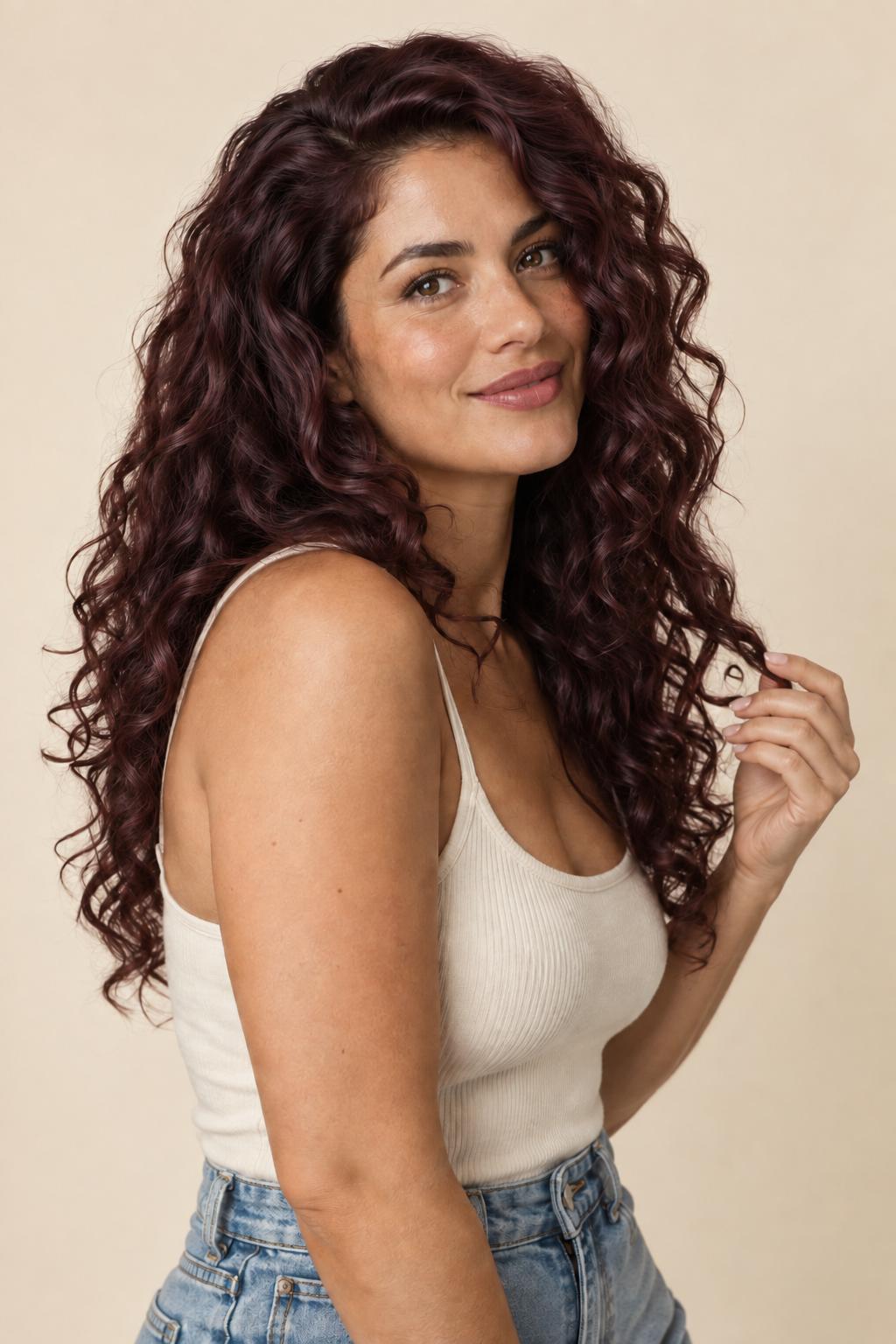
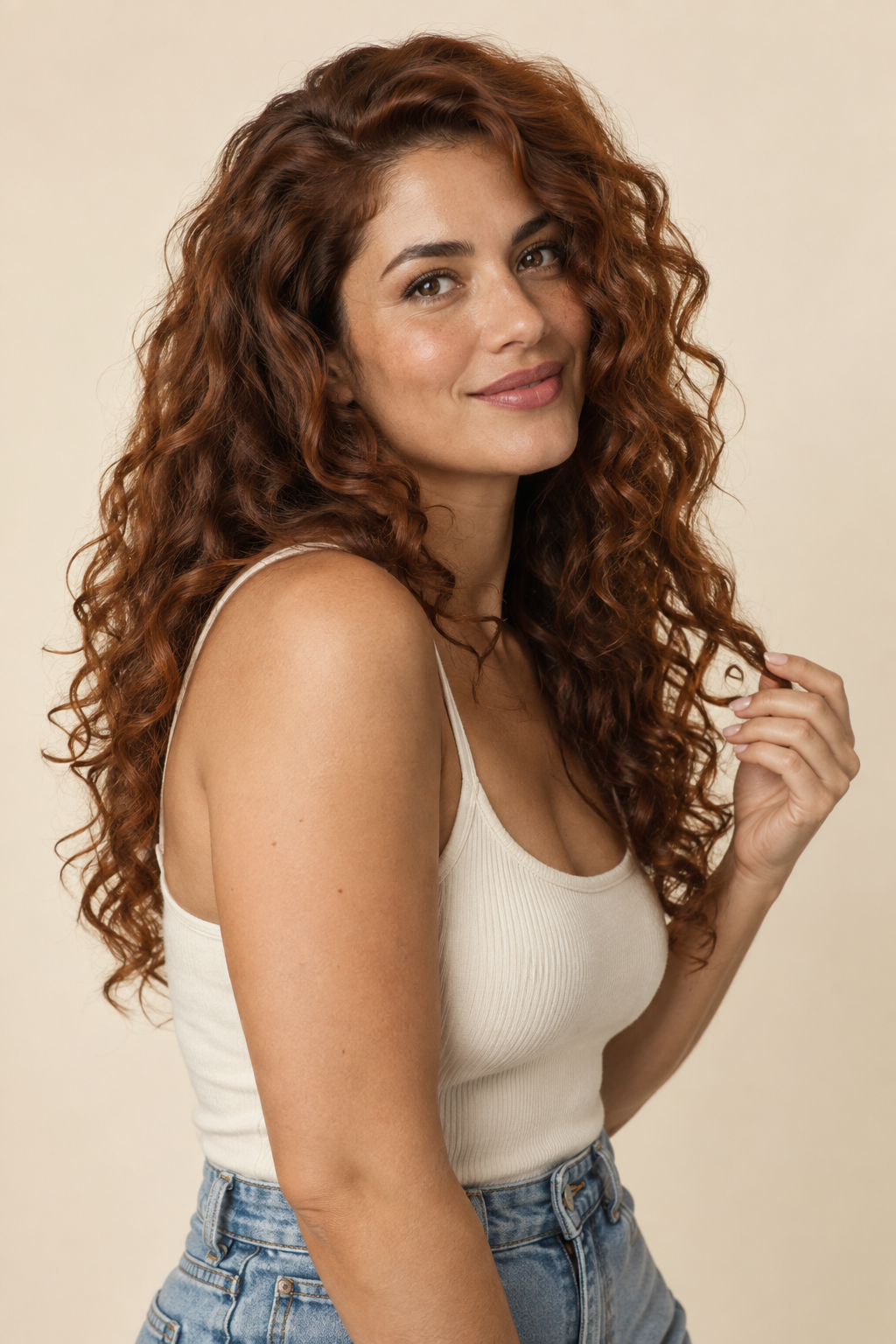
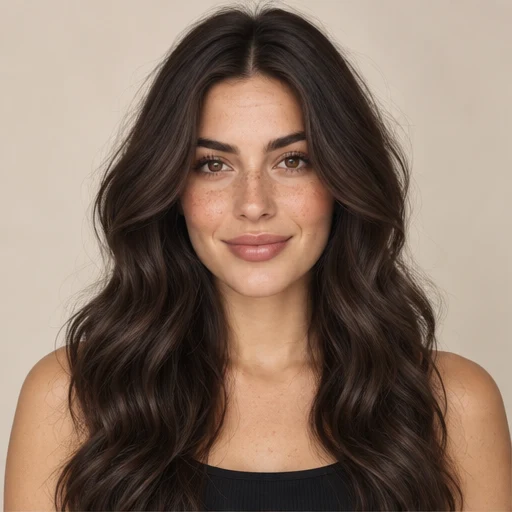
 BeforeAfter